Tiandy IPC Product Line: Features and Configuration - Tiandy

Our Trainings
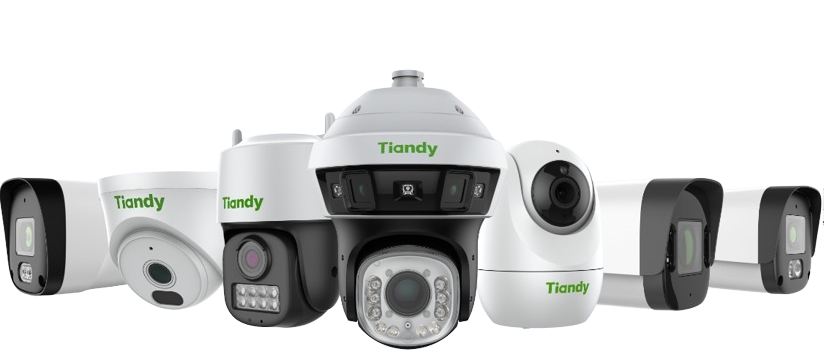
Overview
This training introduces technicians and CCTV professionals to Tiandy’s IP camera (IPC) product line. The session covers key features of Tiandy cameras—such as Starlight, Smart Detection, and AI functions—and provides hands-on guidance for setup and configuration using web interface, Tiandy Config Tool, and NVRs.
Participants will learn how to select the right camera model, configure network settings, adjust image quality, enable smart functions, and connect cameras to recorders or remote apps. This course is ideal for those who install or maintain Tiandy surveillance systems.
By the end of this training, participants will be able to:
- Identify the main categories in Tiandy's IPC lineup (basic, starlight, AI, PTZ, etc.)
- Understand key features such as Starlight, Perimeter, etc.
- Set up IP cameras using Tiandy Config Tool and web browser interface
- Change camera settings: resolution, bitrate, night vision, motion detection
- Enable and configure smart functions like intrusion detection and face capture
- Perform basic troubleshooting steps (IP conflicts, password reset, firmware updates)
| Delivery Style | Face to Face - Online |
| Course Duration | 6-7 hours |
| CPD Points | 7 CPD Points |
| No. of sections | 1 section |
| Target Audience | Engineers, installers and commissioning technicians |
| Class Size | 10 people per course |
| Prerequisite | Basic Network Knowledge for CCTV Systems course |