Tiandy System Diagnostics and Troubleshooting - Tiandy

Our Trainings
Overview
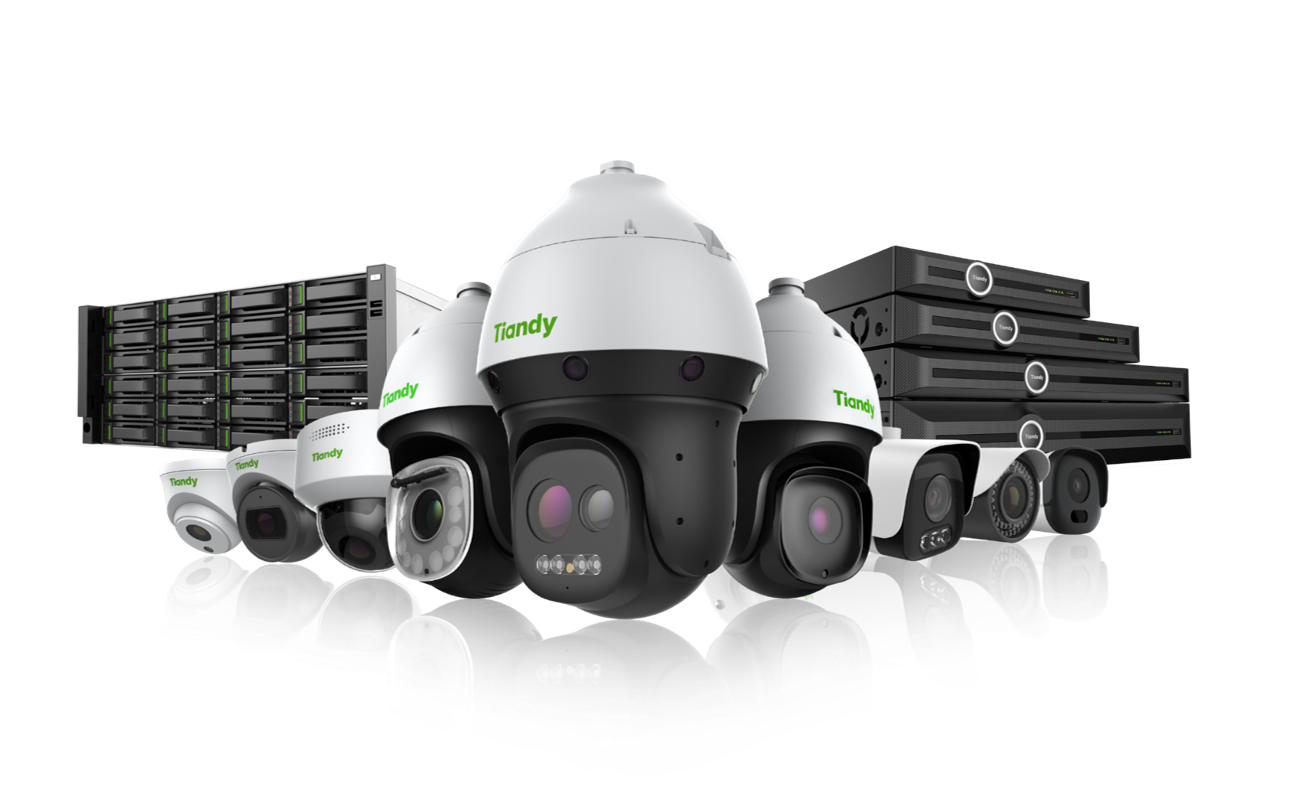
This training is designed to equip technicians, installers, and support personnel with the skills needed to identify, diagnose, and resolve common issues in Tiandy CCTV systems. The course covers a wide range of scenarios involving Tiandy IP cameras, NVRs, network switches, software tools (like Tiandy Config Tool), and mobile app connectivity.
Participants will learn step-by-step troubleshooting methods, how to use built-in system tools, interpret error messages, and apply best practices for maintaining stable, high-performance surveillance systems.
By the end of this training, participants will be able to:
- Understand the typical failure points in Tiandy systems (power, network, configuration)
- Use Tiandy Config Tool to scan, reset, and configure devices
- Diagnose and fix issues such as:
IP conflicts and offline devices
No video feed or NVR display issues
Storage and recording errors (HDD not detected, no playback)
Mobile app connectivity problems (P2P offline, QR code errors.
- Perform firmware checks and safe upgrades
| Delivery Style | Face to Face - Online |
| Course Duration | 2-3 hours |
| CPD Points | 3 CPD Points |
| No. of sections | 1 section |
| Target Audience | Engineers, installers and commissioning technicians |
| Class Size | 10 people per course |
| Prerequisite | IPC and NVR courses |